Thanks for downloading ALTAR
Just a few steps left to get started.
Your download should begin automatically. If it did not start, download ALTAR manually.
- 1
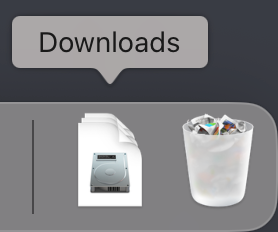
Open the installer
Open the installer from your Downloads folder.
- 2
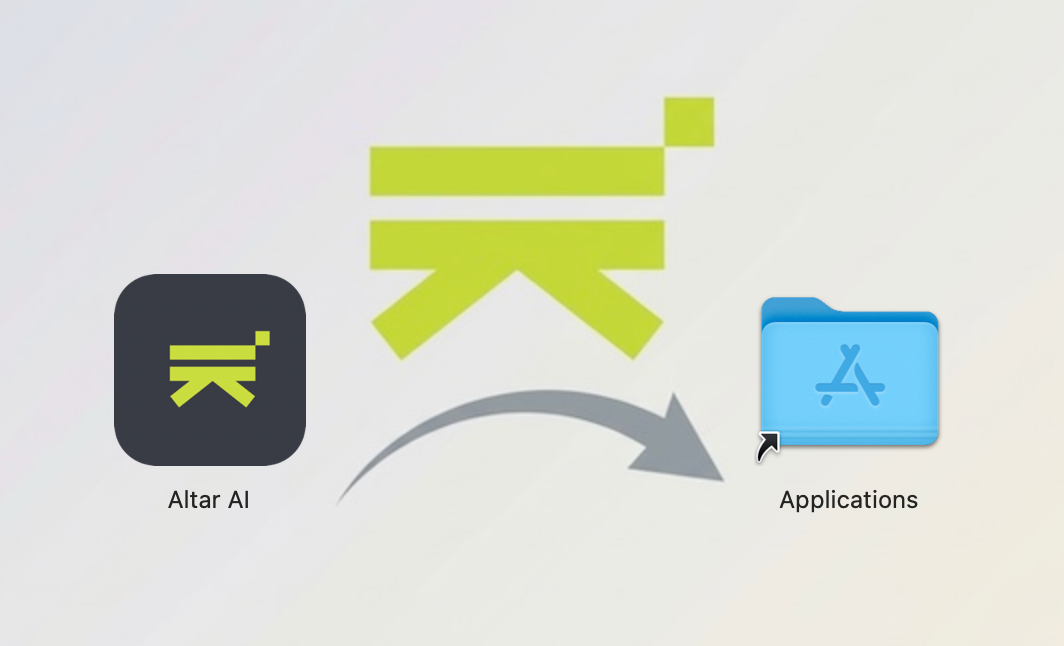
Drag ALTAR to Applications
Move ALTAR into the Applications folder.
- 3
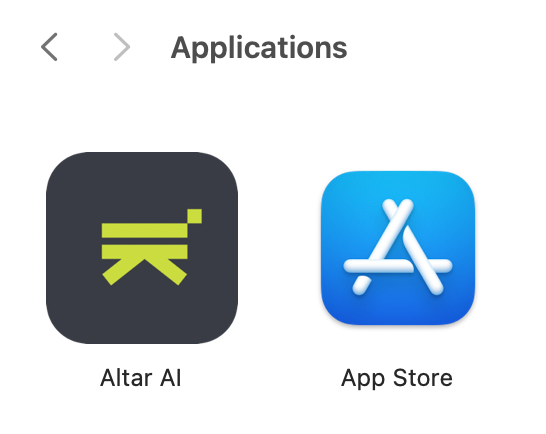
Launch ALTAR
Open ALTAR from Applications and continue setup.